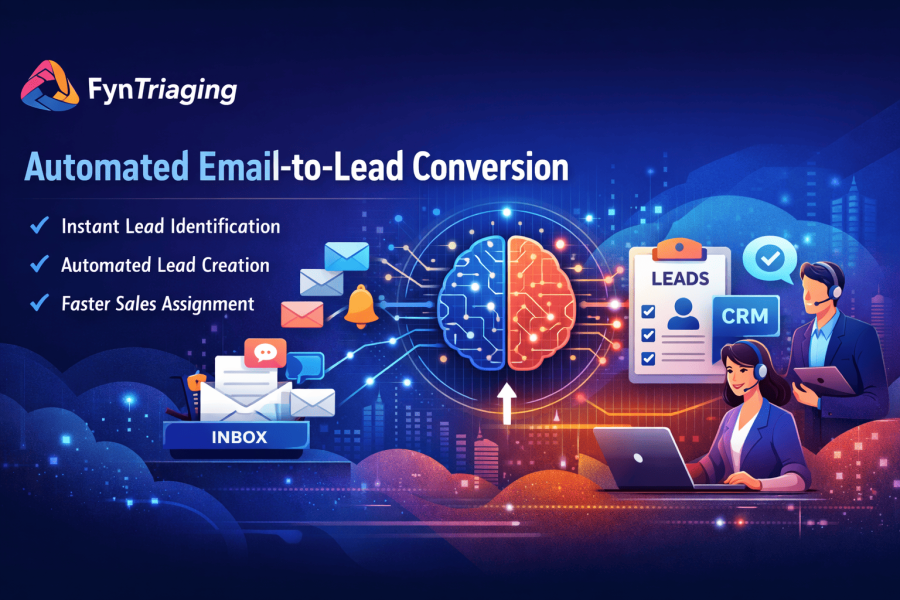
From Inbox Chaos to Instant Cases: How FynTriaging Transformed Support for a Growing B2B Company with SuiteCRM GenAI
An AI-powered SuiteCRM add-on that turned manual case creation into a 24/7, self-driving engine.
1. The Background: Growth With A Hidden Cost
When one of our client crossed 5,000 customers, their shared support inbox became the busiest place in the company. Every day, dozens of emails poured in: bugs, feature requests, billing issues, and urgent outages – all mixed with sales questions and random inquiries.
They were already using SuiteCRM for tickets and account management, but there was one missing link: someone had to read every email, decide if it was a case, then manually create that case in CRM with the right subject, description, priority, and owner.
On paper, the process looked simple. In reality, it was eating their day.
2. Before FynTriaging: The Pain Behind The Process
Here is what “normal” looked like for the support coordinators:
- Start the day with 150+ unread emails across multiple inboxes (support@, info@, success@).
- Skim each message, guess whether it was a lead, a support issue, or just noise.
- Copy-paste content into SuiteCRM to create a case, fill in fields, assign a user or team, and set the priority by gut feel.
- Forward the email to the right person “just in case,” to make sure it was not missed.
The consequences were piling up:
-
Missed or delayed cases: Some emails were read but never converted into tickets, so no SLA clock ever started.
-
Slow response time: It could take hours before a real issue even became a case in CRM.
-
Overworked coordinators: A skilled support lead was spending 2–3 hours daily just triaging and creating cases instead of solving them.
-
No single source of truth: Some issues lived only in email, some in CRM, and some in chat – making reporting and follow-up nearly impossible.
The tipping point came when a major customer’s high-priority outage email sat in the inbox for half a day because it “looked like” a regular query and never became a ticket.
3. The Search For A Better Way
The leadership team knew they didn’t just need “another tool”; they needed a way to close the gap between email and CRM.
Their must-haves were clear:
-
Automatic case creation from support emails, without human intervention.
-
Smart understanding of what each email was about – not just keyword rules that break easily.
-
Native integration with SuiteCRM so that every case, contact, and conversation lives in one place.
That’s when they discovered FynTriaging (built on the GenAI FynRahbar email triaging engine), an AI-powered SuiteCRM add-on that can automatically detect if an email is a lead or a support issue and create the corresponding record with all key details.
4. Enter FynTriaging: Turning Inbox Chaos Into Cases with SuiteCRM GenAI
FynTriaging uses GenAI to read and understand each incoming email and instantly decide whether it should become a lead or a case in SuiteCRM.
For support, it focuses on:
-
Identifying intent: “Is this a support issue? What type?”
-
Extracting structure: Subject, description, product, account, urgency, and relevant context from the email body.
-
Auto-creating the Case record in SuiteCRM with mapped fields, linked contact, and account.
-
Routing the case to the correct queue or owner based on rules like product, region, or priority.
No scripts, no static templates – just AI understanding running inside their existing CRM.
Setup was also simple: they installed the add-on via SuiteCRM’s Module Loader, configured which modules to activate, and connected it with their email channels.
Within a day, the first automatically created cases started appearing.
4. Enter FynTriaging: Turning Inbox Chaos Into Cases with SuiteCRM GenAI
FynTriaging uses GenAI to read and understand each incoming email and instantly decide whether it should become a lead or a case in SuiteCRM.
For support, it focuses on:
-
Identifying intent: “Is this a support issue? What type?”
-
Extracting structure: Subject, description, product, account, urgency, and relevant context from the email body.
-
Auto-creating the Case record in SuiteCRM with mapped fields, linked contact, and account.
-
Routing the case to the correct queue or owner based on rules like product, region, or priority.
No scripts, no static templates – just AI understanding running inside their existing CRM.
Setup was also simple: they installed the add-on via SuiteCRM’s Module Loader, configured which modules to activate, and connected it with their email channels.
Within a day, the first automatically created cases started appearing.
6. Time Saved & Tangible Impact
Within weeks, the company saw measurable gains:
-
Case creation time: What previously took 2–3 minutes per email (read, interpret, create, assign) now takes seconds, with no human effort.
-
Daily manual work: The coordinator reclaimed roughly 2 hours per day that had been spent on triaging and data entry.
-
Missed tickets: Cases that used to get “lost” in shared inboxes now always enter SuiteCRM because every relevant email gets processed.
-
SLA compliance: Faster case creation meant the team started working on issues sooner, reducing the risk of SLA breaches and improving response times.
-
Team morale: Support engineers started their day inside SuiteCRM, seeing prioritized, well-structured cases instead of disorganized email threads.
One internal benchmark:
If the company receives 150 support emails a day and case creation used to take 2 minutes each, that’s 300 minutes (5 hours) of manual work.
With FynTriaging, those 5 hours dropped close to zero, turning triage time into productive resolution time.
7. Business Benefits Beyond Time Savings
The impact went beyond “saving clicks”:
-
Consistent data quality: Because the AI fills in standard fields and descriptions every time, cases became easier to categorize, search, and report on.
-
Better visibility: Management can now see real case volumes, trends, and SLA performance, since everything lives in SuiteCRM instead of scattered across inboxes.
-
Scalability: As email volume grows, the system scales effortlessly; they don’t need to hire new people just to read and route emails.
-
Customer experience: Faster responses and fewer missed tickets translated into higher satisfaction and fewer escalations.
8. Human Side: How The Team Felt
At first, the support coordinator worried that automation might make their role less relevant.
Within a month, their work had shifted from being a “ticket typist” to:
-
Monitoring and improving routing rules.
-
Handling exceptions where human judgment was needed.
-
Focusing on complex customer situations instead of repetitive admin work.
Engineers appreciated that important issues no longer arrived as messy email threads but as structured cases with the right context and urgency already set.
9. Why This Story Matters For Similar Teams
Any company running SuiteCRM with high email volume will recognize this pattern:
-
Shared inboxes.
-
Manual triage.
-
Delayed case creation.
-
Incomplete reporting.
FynTriaging shows how SuiteCRM AI-driven email understanding, native to SuiteCRM, can close that gap: it turns every relevant email into a ready-to-work case, routes it to the right team, and keeps every customer conversation connected inside CRM.