
FynTriaging
Don’t let leads wait or customer requests get lost
GenAI Will turn every email into instant actions.

FynRahbar
by Fynsis Softlabs
Drowning in Emails? You’re Not Alone
Every day, businesses lose leads, miss customer requests, and waste hours sorting through overflowing inboxes.
By the time someone identifies what’s sales and what’s support, it’s already too late — SLAs are breached, follow-ups are forgotten, and opportunities are lost
“What if your inbox could think, sort, and act — automatically?”
“Yes! You heard us right.”
Why It Matters
Every Missed Email Costs You More Than You Think.
Without automation, someone has to read, tag, and update every message manually.
That means:
- Delayed responses.
-
Missed leads and breached SLAs.
-
Frustrated customers and overworked teams.
Your CRM is always one step ahead – capturing opportunities, resolving faster, and keeping every customer conversation connected.
What It Does
Turns Inbox Chaos into Instant Clarity
GenAI Email Sense works quietly behind the scenes to:
- ❌ Understand Intent — Detects every email as lead or support
- ❌ Auto-Create Records — Generates leads or tickets with key details
- ❌ Smart Routing — Directs each item to the right team
No scripts. No templates. Just pure AI intelligence that organizes your CRM.
Real Business Impact
What Used to Take Hours, Now Takes Seconds
FynRahbar doesn’t just organize your inbox —
it transforms it into a live productivity engine.
Faster Response
No waiting. No missed SLAs.
Zero Manual Work
Your team focuses on customers and not just copy-paste.
Happy Teams
Happier Customers
Everyone wins when nothing slips through the cracks.
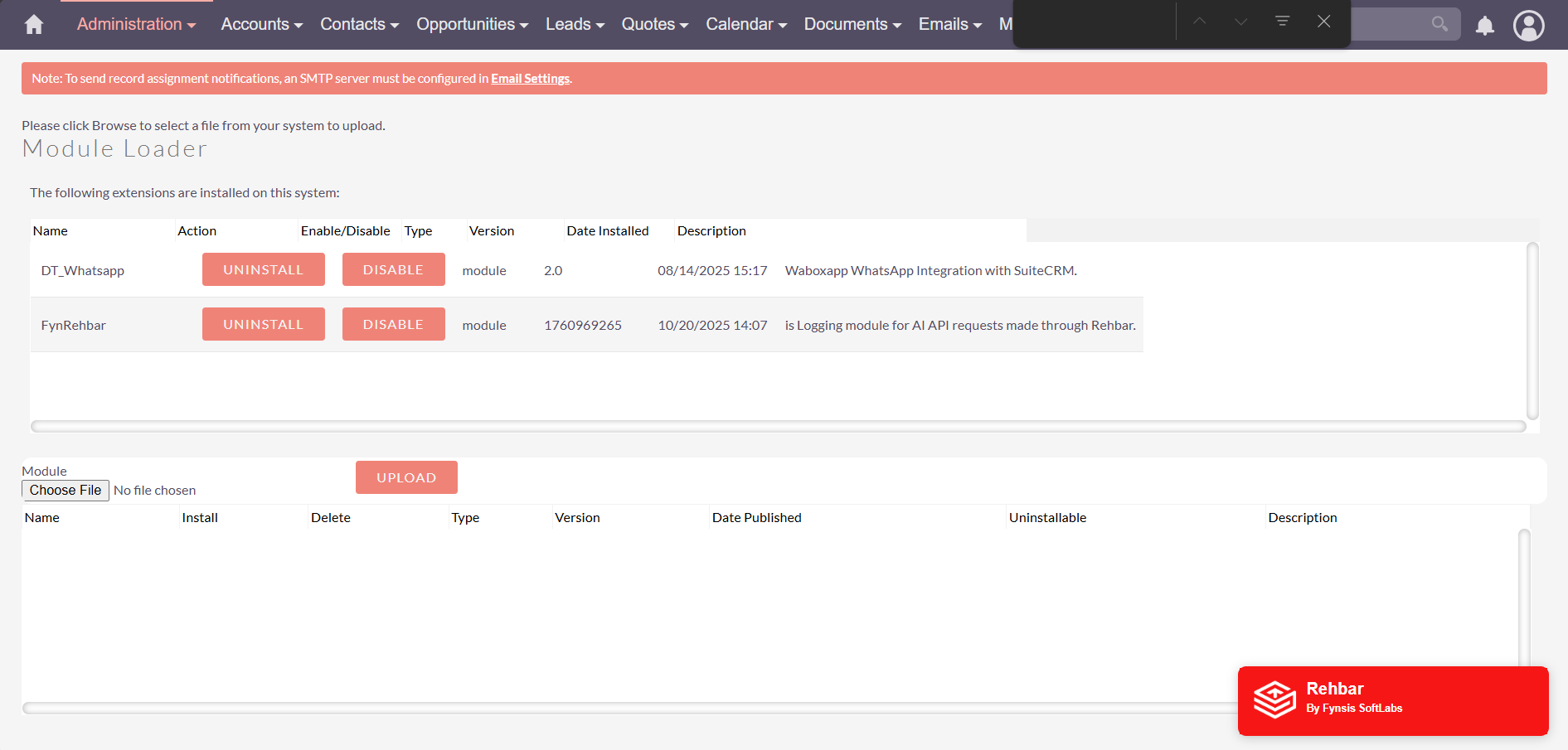
Setup Made Simple
3 Minute setup, Lifetime efficiency
Frequently asked questions
What is FynRahbar Email Triaging?
An AI-powered addon for SuiteCRM that automatically categorizes incoming emails into leads or cases and extracts relevant details.
How does it decide if an email is a lead or a case?
FynRahbar uses GenAI to analyze email content and detect the customer’s intent—whether it’s a sales inquiry or a support issue.
Will it update CRM records automatically?
Yes! Leads and cases are updated with all relevant attributes extracted from the email.
How does it help my team?
Sales and support teams save time, get organized leads/cases, and can respond to customers faster with accurate information.
Do I need special setup or coding skills?
No! The addon works automatically in the background after installation and configuration.

Keep the Momentum Going
Power Up SuiteCRM with More GenAI Add-ons
GenAI Insights for CRM intelligence
No dashboards, No data teams, Just your question and real -time answers from SuiteCRM
FynRahbar AI Insights
AI driven CRM Intelligence for exceptional outcomes
GenAI-Powered Website Chatbot
Engage visitors instantly and turn chats into CRM opportunities
FynRahbar AI-Powered Chatbot
Conversations that Convert.
Answers questions, captures leads, and updates your CRM